I built a private RAG API in one file. Here's what it doesn't do yet.
FastAPI + Ollama + ChromaDB, no cloud calls: what I learned building the smallest RAG service I could, and the gaps I'm fixing next
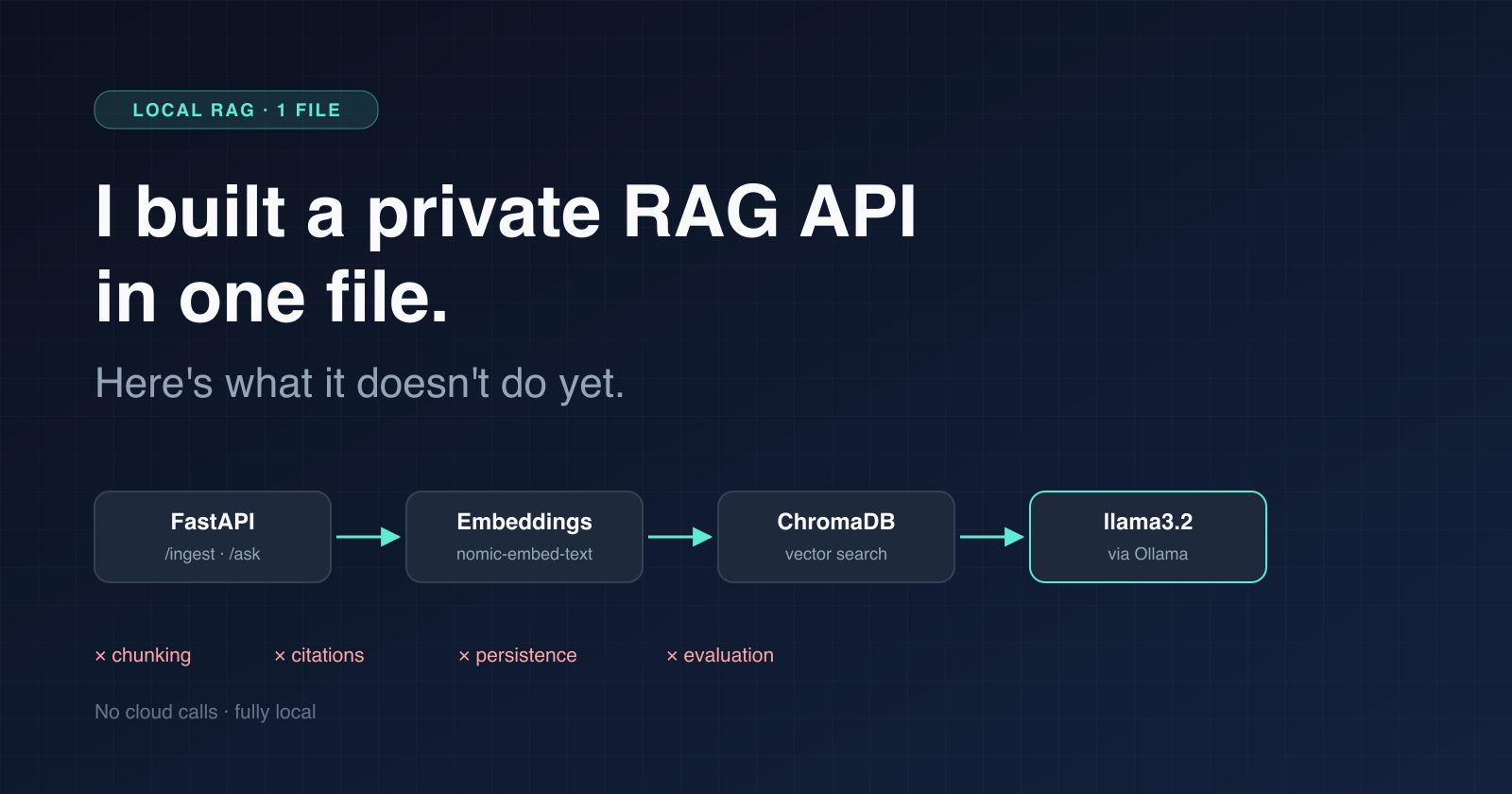
Before building a production RAG system on AWS, I wanted to understand the mechanics with nothing hidden behind a framework or a managed service. So I built the smallest version I could: one Python file, two endpoints, everything running on my laptop.
It works. It also taught me more through what it doesn't do than through what it does. This post covers both.
Code: github.com/ashokgharpankar/local-rag-api
What RAG is, in one paragraph
A language model only knows what it was trained on. Retrieval-augmented generation (RAG) gives it your documents at question time: you store your text as embeddings (lists of numbers that capture meaning), find the stored text closest in meaning to the user's question, and paste it into the prompt with an instruction to answer only from that text. The model stops guessing and starts quoting.
Why build it locally
Three reasons:
- Data stays on my machine. Nothing goes to an external API. For teams handling sensitive documents, keeping data on your own infrastructure is often the first requirement on the list (it's not the only one; compliance also involves access control, auditing and retention).
- Experiments cost nothing. You can re-ingest and re-ask a hundred times without a bill.
- No magic. No LangChain, no managed knowledge base. Every step is a line of code I wrote.
The stack
| Piece | Choice | Job |
|---|---|---|
| API | FastAPI + Pydantic v2 | Two endpoints, typed request bodies, free Swagger UI |
| Models | Ollama: llama3.2 (chat), nomic-embed-text (embeddings) |
Run locally |
| Vector store | ChromaDB | Store embeddings, find the nearest ones |
| Packaging | uv | Python version and dependencies |
How it works
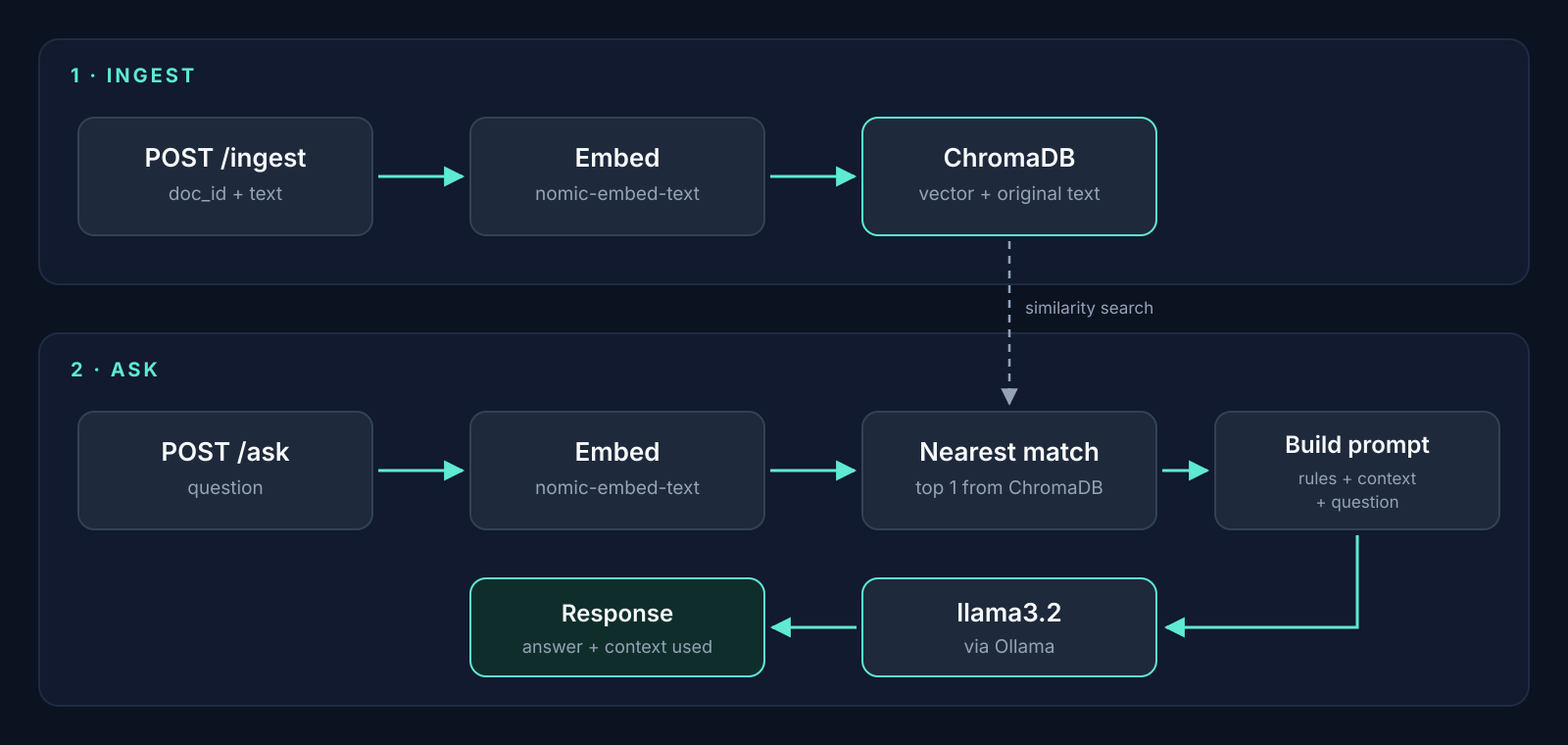
Ingest embeds the text and stores the vector alongside the original text:
vector = await asyncio.to_thread(get_embedding, doc.text)
collection.add(ids=[doc.doc_id], embeddings=[vector], documents=[doc.text])
Ask embeds the question, fetches the closest stored text, and builds a prompt that limits the model to that context:
results = collection.query(query_embeddings=[query_vector], n_results=1)

system_prompt = (
    "You are an enterprise AI assistant. Answer the user's question accurately "
    "using *only* the provided context below. If the answer cannot be found in the context, "
    "state that you do not know.\n\n"
    f"Context:\n{context}"
)
The response returns both the answer and the context it used, so you can see why the model said what it said.
Try it:
curl -X POST localhost:8000/ingest -H 'Content-Type: application/json' \
  -d '{"doc_id": "leave-policy", "text": "Employees get 18 days of paid leave per year..."}'

curl -X POST localhost:8000/ask -H 'Content-Type: application/json' \
  -d '{"question": "How many days of leave do I get?"}'
Two design choices I'd keep
1. An OpenAI-compatible client. Ollama exposes an OpenAI-style API, so the code uses the standard openai client pointed at localhost:11434/v1. Switching to a hosted model is a configuration change, not a rewrite. Coding against a common interface rather than one vendor is a habit worth having from day one.
2. Not blocking the event loop. FastAPI endpoints are async, but the embedding and chat calls are blocking. Calling them directly would freeze the server for every other request while one model call runs. Wrapping them in asyncio.to_thread moves them off the event loop:
query_vector = await asyncio.to_thread(get_embedding, query.question)
It's one line, and it's the difference between a server that handles one request at a time and one that doesn't.
What it doesn't do yet (the useful part)
This is where I learned the most. Each of these is a gap a production system has to close.
1. It forgets everything on restart
chromadb.Client() creates an in-memory store. Restart the server and every ingested document is gone. For a demo that's fine; for anything else you want chromadb.PersistentClient(path="./chroma") or a real database. It's an easy thing to miss because everything looks like it works until the first restart.
2. No chunking
Each document becomes one vector. That's fine for a paragraph and poor for a 40-page PDF: one vector has to represent every topic in the document, so it represents none of them well, and the whole document gets pasted into the prompt. Real systems split documents into chunks of a few hundred tokens, with some overlap, and embed each one.
3. It retrieves exactly one result, always
n_results=1 means the answer can only ever use one document. Questions whose answer spans two sources can't be answered. And there's no relevance threshold: if the closest match is unrelated, it still goes into the prompt. The "I don't know" instruction helps, but the system should also refuse to pass in context that isn't close enough.
4. No citations
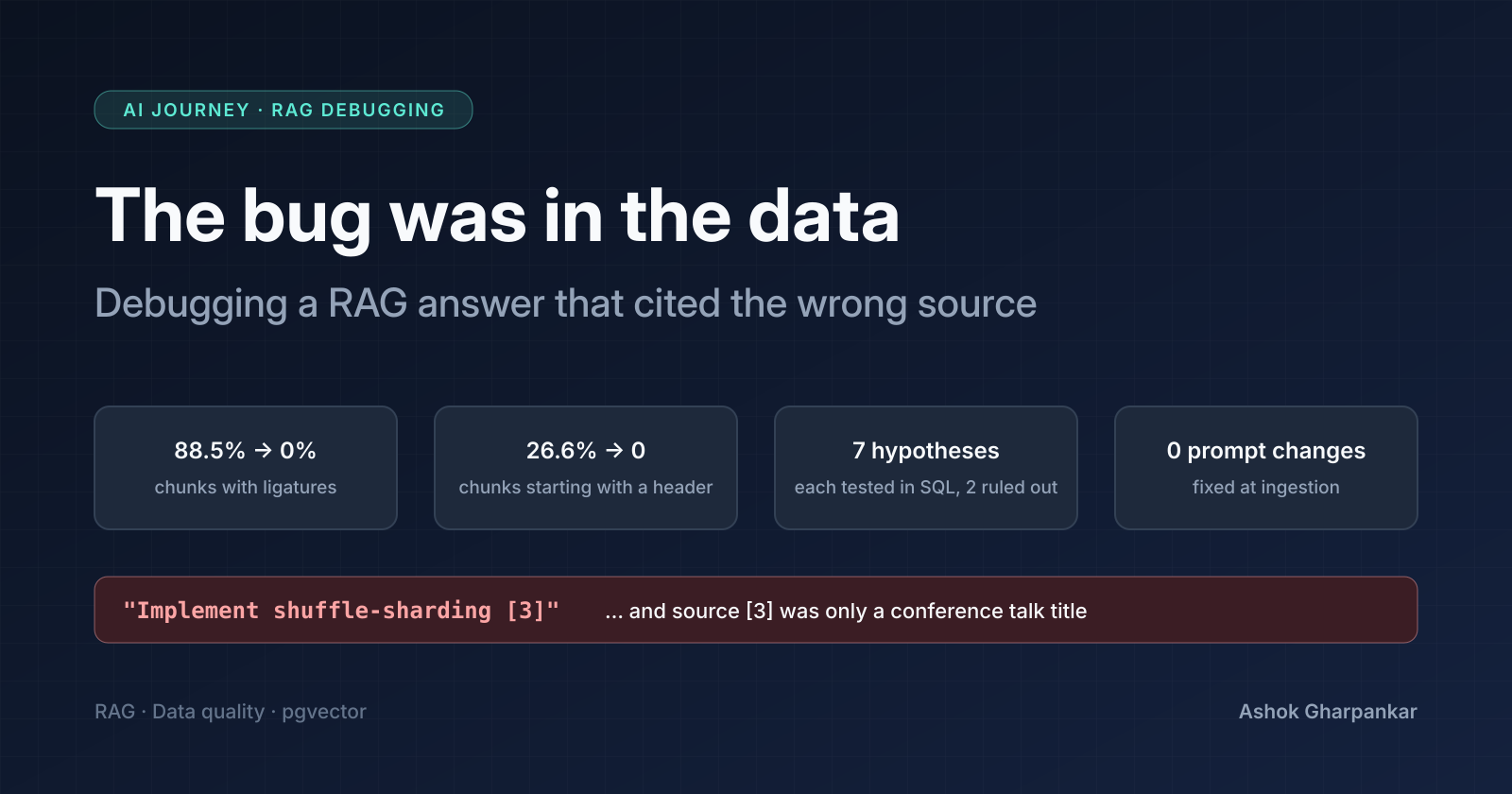
The response includes the context used, but not where it came from. Returning the doc_id (and later, page or section) with each answer is what lets a user trust it, or check it.
5. Re-ingesting fails
collection.add with an existing doc_id doesn't update the document. Updating content needs upsert, and at scale you also want to skip re-embedding text that hasn't changed.
6. No way to measure quality
This is the big one. I can ask a few questions and say "looks right", but I can't tell whether a change to the prompt or the retrieval made answers better or worse. Without a test set of questions and expected answers, every tweak is a guess.
7. Smaller hardening items
- Error responses return the raw exception text, which can leak internals. Log the details, return a generic message.
- The retrieved context sits in the system prompt. If a stored document contains text like "ignore previous instructions", the model may follow it. Untrusted context belongs in a clearly delimited user-message block, with instructions that treat it as data.
- No tests, no container, no CI.
What I'm building next
I'm now building the production version on AWS, and every gap above is a phase in that plan:
| Gap | Fix in the next build |
|---|---|
| In-memory store | pgvector locally, Amazon S3 Vectors on AWS |
| No chunking | Document loaders and a text splitter with overlap and metadata |
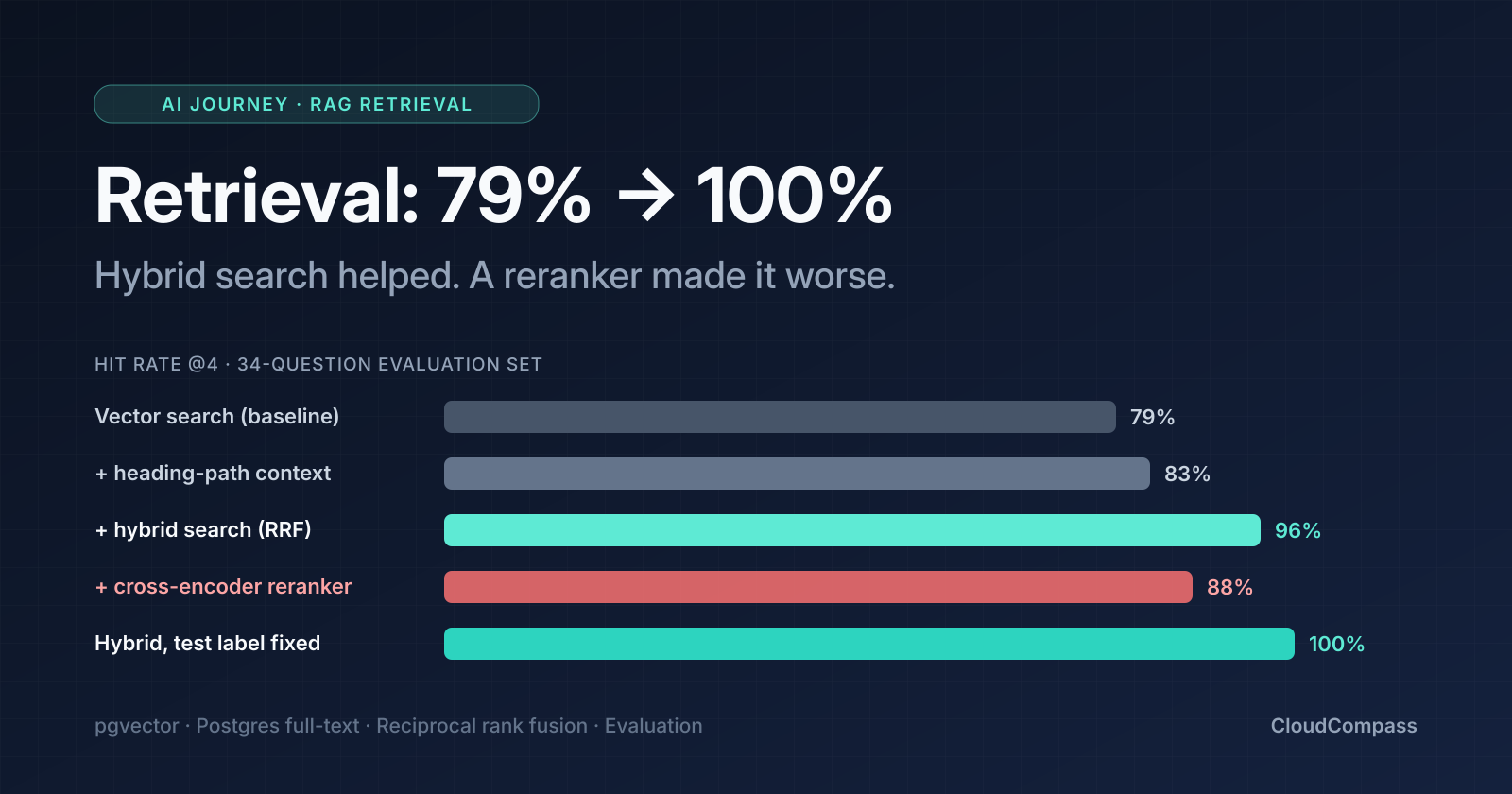
| One result, no threshold | Top-k retrieval, hybrid keyword + vector search, reranking |
| No citations | Source and section returned with every answer |
| No quality measurement | An evaluation set scored automatically, run in CI |
| Local models only | Amazon Bedrock behind the same interface, with cost tracked per query |
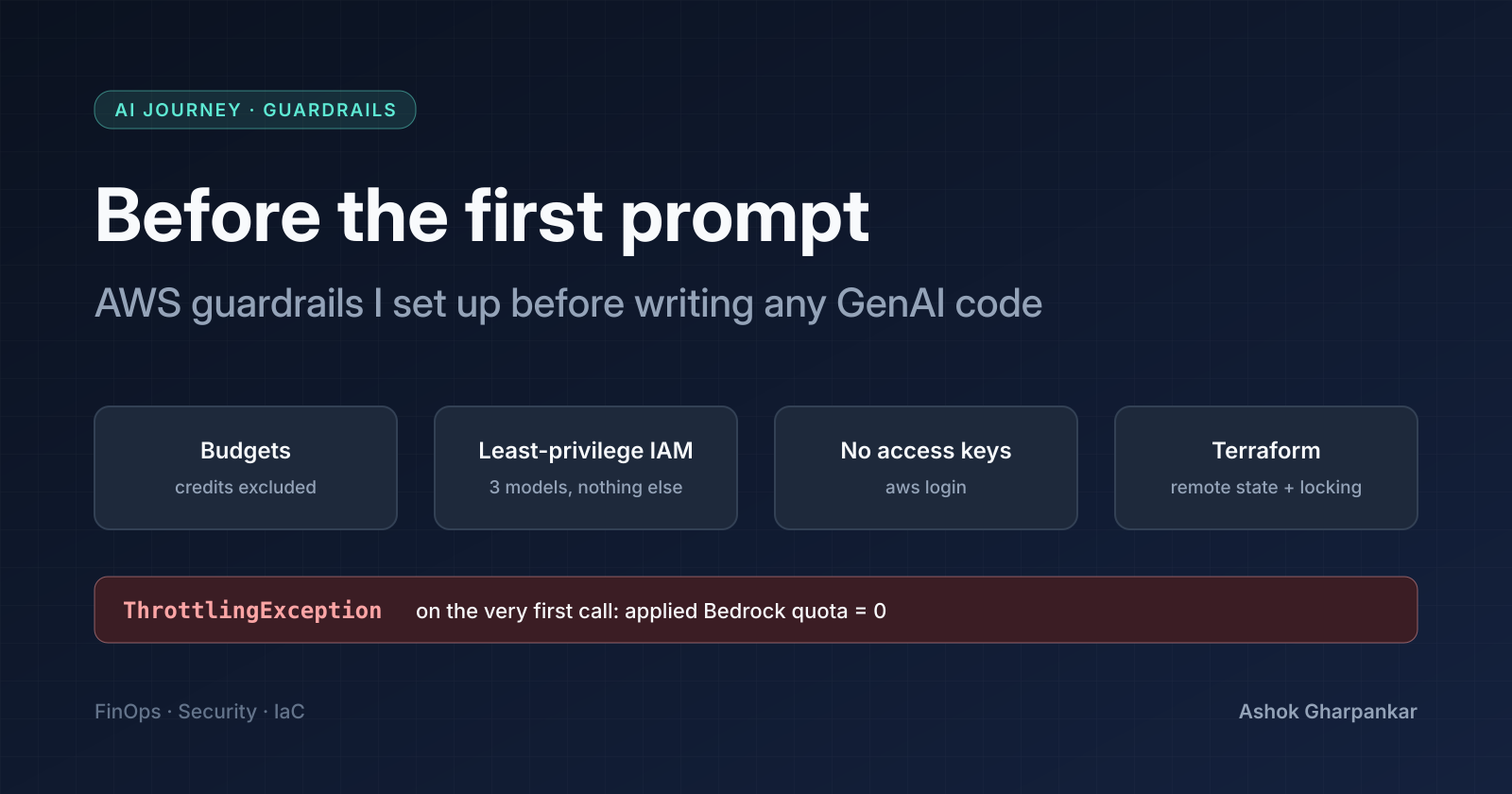
The first post in that series covers something most RAG tutorials skip: setting up budgets, least-privilege IAM and keyless access before writing any AI code.
Takeaways
- A working RAG loop is about 80 lines of Python. The hard part is everything around it.
- Build the smallest version first. You learn what the frameworks are doing for you, and what they aren't.
- Write down what your project doesn't do. It's the most honest documentation you can give, and it's your roadmap. If you've built something similar, I'd like to hear which of these gaps bit you first.
Comments
Join the discussionNo comments yet. Be the first to comment.
AI Journey
Hands-on notes from building GenAI systems on AWS: RAG, agents, MCP, evaluation, observability and cost control, written as I go.